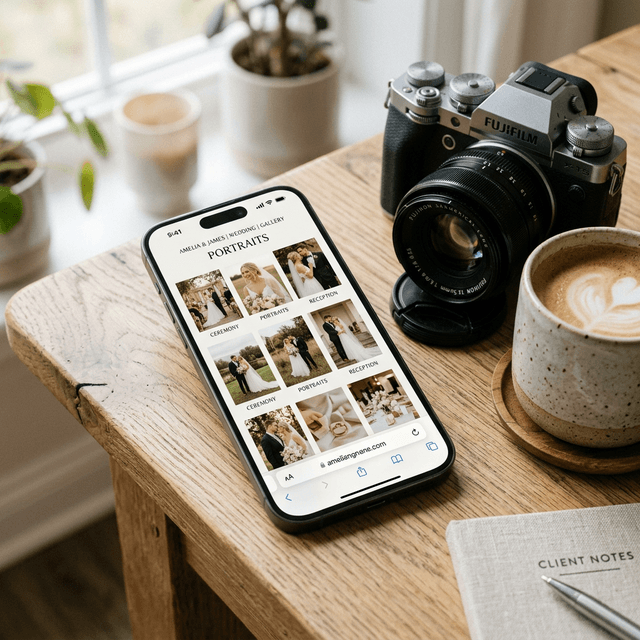
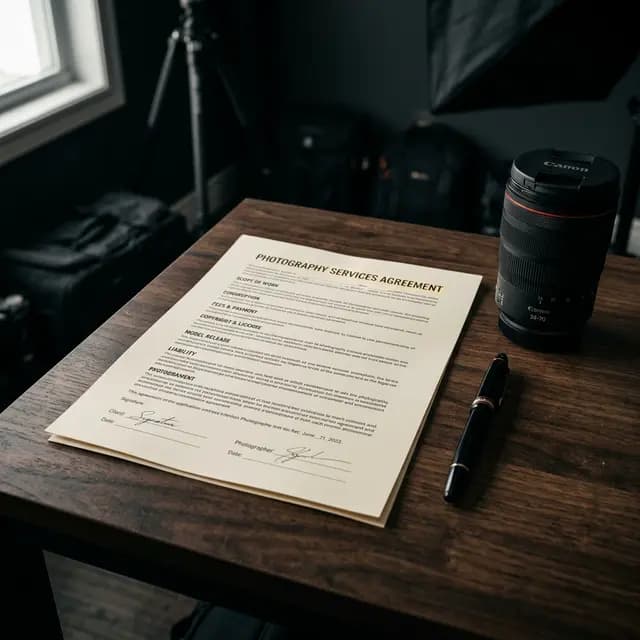
How to set client photo selection limits is one of the most important decisions in a photography business, yet it is often handled casually. Many photographers choose a number simply because it sounds attractive on a price list, without calculating selection time, editing time, and actual margin.
That is how a package sells well at the beginning but drains energy behind the scenes. Clients feel free to select too many images, the photographer gets overwhelmed, and proofing becomes messy.
Why Selection Limits Matter
A selection limit is not just a number. It protects three things at once:
- client expectations,
- your editing capacity,
- the profitability of the package.
If you sell a prewedding package with 30 edited images, a wedding package with 80 edited images, or a family session with 20 edited images, the selection limit is the bridge between what the client pays for and what you actually need to deliver.
Without a clear limit, clients naturally assume that every photo they like can be processed. At that point, the problem is no longer editing. The problem is the structure of your offer.
Common Mistakes When Setting Selection Quotas
Most photographers make one of these three mistakes:
1. The number is too high
The package looks attractive on paper, but the hidden workload becomes expensive.
2. The meaning of the selection is not explained
Clients often do not know whether the quota refers to retouched photos, album picks, or final gallery delivery. If the definition is vague, conflict appears later.
3. There is no system enforcing the limit
Even if the quota is written in the price list, clients can still choose too many photos unless the proofing system enforces the number.
What You Should Calculate Before Deciding on a Limit
A healthy client photo limit depends on several factors.
Editing time per photo
The heavier the retouching, the smaller the safe quota. A lightly corrected image is very different from a portrait that needs skin retouching, cleanup, and detailed finishing.
Type of session
Wedding coverage usually needs a larger quota than a family session because there are more moments and more frame variations. Preweddings also differ from graduation or personal branding sessions.
Your pricing position
If your package is positioned as premium, you may offer a higher quota or an add-on option. But there still needs to be a boundary so the service does not become open-ended.
Your real production capacity
Do not copy another studio blindly. If you still handle culling, editing, admin, and communication on your own, the quota has to reflect that reality.
Practical Starting Points
There is no universal number, but these ranges are usually safer:
- short sessions such as graduation or personal branding: 10 to 25 edited photos,
- family sessions: 20 to 40 edited photos,
- preweddings: 30 to 60 edited photos,
- weddings: 50 to 120 edited photos, depending on coverage and complexity.
These are not fixed rules. They are guardrails so you do not overpromise too early.
How to Communicate the Limit Without Sounding Cheap
Many photographers worry that a limit will make them sound stingy. In reality, what makes clients comfortable is not a huge number. It is clarity and a clean system.
A simple explanation can look like this:
- the package includes up to 40 images for final retouching,
- the client can choose them directly from the online gallery,
- additional edited images are available as a paid add-on.
Presented that way, the limit feels like part of a professional workflow, not an annoying restriction.
Why the Proofing System Matters
Choosing the number is only half the job. You also need a system that can actually enforce it.
If your workflow still relies on chat messages such as "please edit DSC_1023, DSC_1041, and DSC_2091," the quota will eventually leak. Clients forget the total, mistype filenames, or ask for extras in separate messages.
That is why selection limits work best when they are paired with client proofing that includes:
- a select button on each image,
- a visible selection counter,
- an automatic limit based on the package,
- a clean submission format for the photographer.
If you want the proofing foundation behind this, read What Is Client Proofing? and How to Create a Client Gallery Without Reuploading.
When to Sell Add-Ons
One of the safest strategies is to keep the core quota healthy, then offer extra edited images as an add-on. That is much better than inflating the base package too far from the start.
For example:
- the main package includes 30 edited images,
- an extra set of 10 edited images is priced separately,
- clients can add more only when they truly need it.
This keeps your service flexible without damaging your margin.
FAQ About Client Selection Limits
Should every type of session use the same limit?
No. Weddings, preweddings, family sessions, and personal branding all have different needs.
What if a client still selects too many?
Use a proofing system that enforces the limit automatically, or direct them to a paid add-on for extra edits.
Do limits make clients less satisfied?
Not if the number is explained clearly from the beginning and the selection process is easy.
Conclusion
Setting client photo selection limits correctly is not about reducing your service. It is about protecting package health, keeping expectations clear, and keeping your workflow efficient. The right number helps you work more calmly while making clients understand the value of what they are buying.
If you want to apply selection limits neatly inside your client gallery, try PilahFoto here.