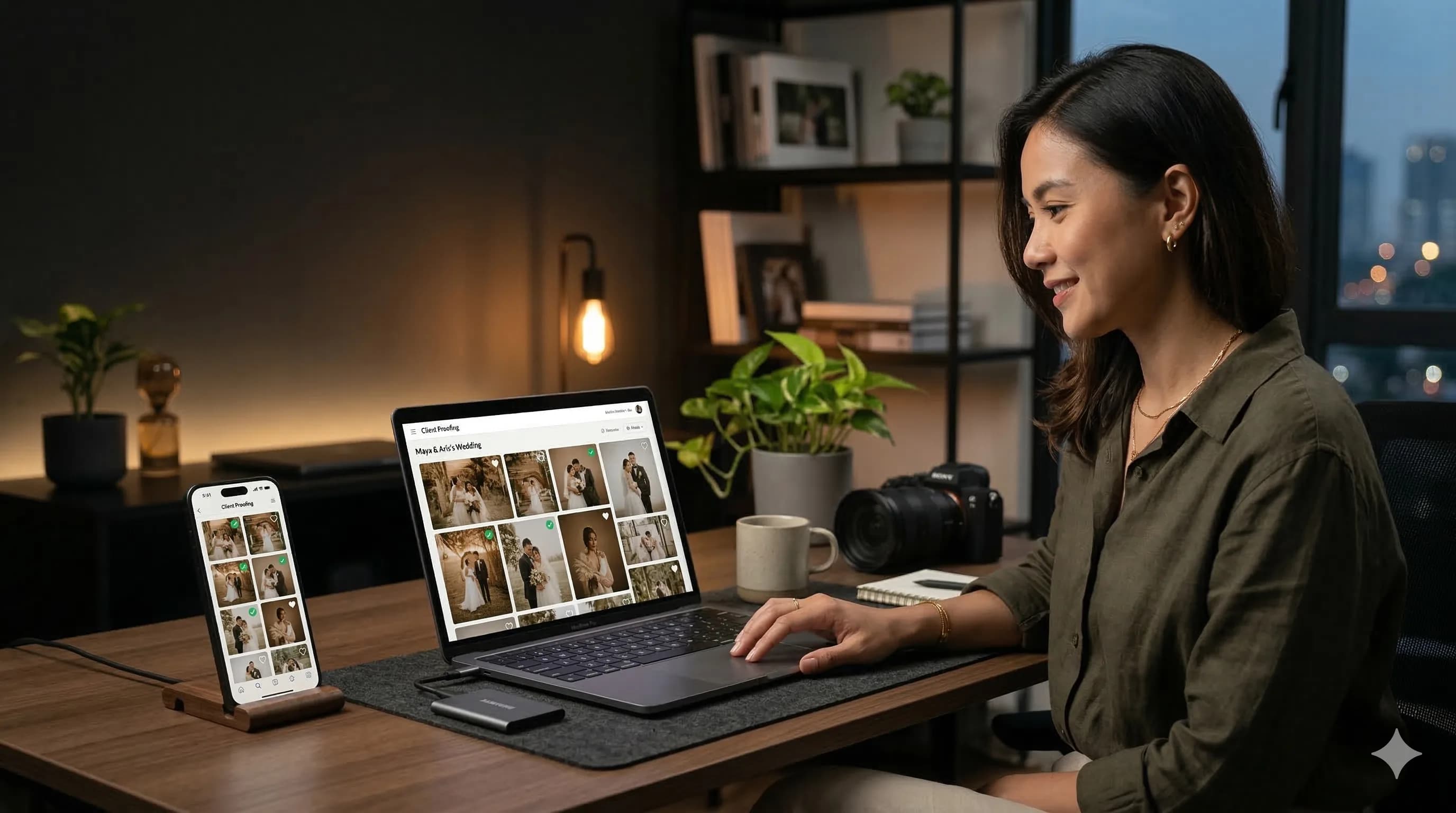
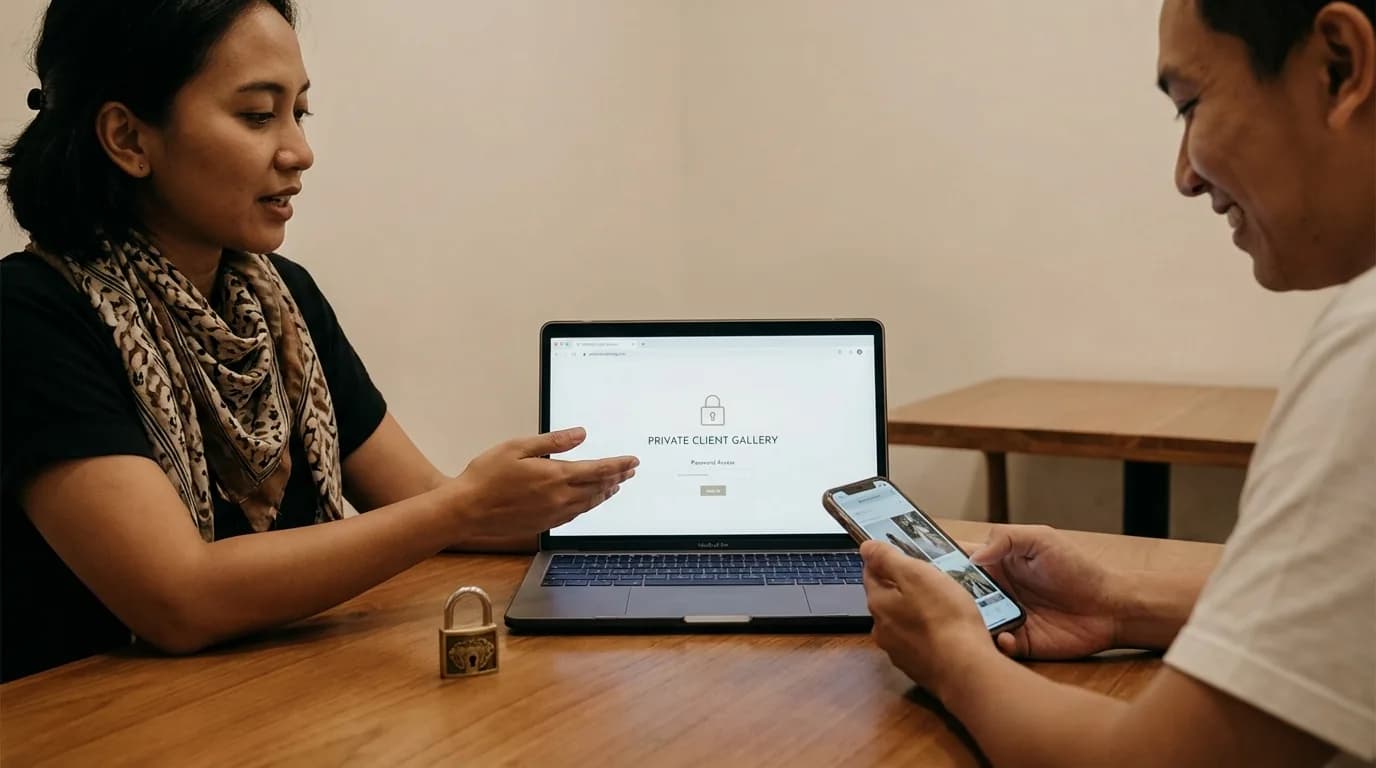
Client proofing is the process of showing photos to clients inside an online gallery so they can review, select, and submit their final choices without typing filenames one by one. For studios that handle weddings, preweddings, families, graduations, and events, this is no longer a bonus feature. It is a core part of a modern workflow.
If you still send a raw Google Drive folder and wait for a chat message like "please edit DSC_1933, DSC_2041, and DSC_2048," your real bottleneck is no longer editing. It is the proofing process itself. The larger the gallery, the bigger the risk of wrong file choices, repeated revisions, and delayed delivery.
What Is Client Proofing?
In simple terms, client proofing is the stage where photographers present photos to clients before final editing, retouching, album design, or printing. The goal is to help clients choose their favorite images in a way that is easy, accurate, and fast.
A proper client proofing system usually has three core elements:
- clients view the photos in a gallery that feels comfortable on mobile,
- clients can clearly mark the images they want,
- photographers receive the result in a structured format rather than in scattered chat messages.
That is why searches such as "client proofing," "photo proofing app," and "how clients choose photos online" keep becoming more relevant for photographers who want stronger operations.
Why Manual Proofing Slows Everything Down
Many photographers think the workflow is already fine just because the files are stored neatly in Google Drive. The real friction starts once the client begins choosing photos.
The usual manual problems look like this:
- clients struggle with hundreds of unfriendly filenames,
- typing mistakes happen in WhatsApp,
- photographers match chat messages to source files manually,
- no one can see a clear selection limit,
- the final experience feels cheaper than the photography itself.
Over time, that wastes editing hours, adds admin fatigue, and reduces the professional feel of your studio.
What an Ideal Proofing Workflow Looks Like
The best proofing workflow should stay simple for both you and your client.
1. Keep the photos where you already work
Ideally, you should not have to move your archive between multiple platforms. If your files are already stored in Google Drive, the proofing system should work from that folder instead of forcing a second upload.
2. Send a private gallery that works well on mobile
Most clients choose photos on a phone, not on a laptop. The gallery needs to feel light, easy to scroll, and easy to understand.
3. Let clients tap Select instead of writing filenames
This is the biggest difference between normal file sharing and proper client proofing. Clients should not need to type IMG_4821 or DSC_9033. They should just tap the image they want.
4. Receive the selection automatically
A good system sends the final list back to you in a clean structure. That removes avoidable communication errors and speeds up final editing.
5. Add a selection limit based on the package
For weddings, preweddings, and family sessions, a clear limit is important. It keeps the package healthy and stops long chat negotiations about extra edits.
Features a Proofing App Must Have
If you are looking for a client proofing tool, do not judge it by interface design alone. The real question is whether the feature set solves daily operational problems.
Direct connection to your storage
A system that forces double upload slows everything down. Direct integration with Google Drive is much more efficient.
Mobile-friendly galleries
Clients will choose faster if the gallery feels natural on mobile.
Clear selection controls
Each image needs an obvious Select action. Less friction means faster completion.
Selection limits
This protects your time and your margin when your package includes a fixed number of edited images.
Studio branding
Proofing is not only about function. It also changes how premium your service feels.
Automatic delivery of the client selection
Once the client finishes choosing, the result should arrive to you cleanly without copy-pasting.
Client Proofing Is Not the Same as a Normal Online Gallery
Many people think online galleries and client proofing are the same thing. They are not always the same.
A standard online gallery is mostly about presentation and delivery. Client proofing is about helping clients make a decision. In other words, a normal gallery helps clients view photos, while a proofing system helps them choose which photos move forward.
If your business includes client selection before final editing, albums, or prints, you need proofing, not just a gallery that looks nice.
Who Benefits the Most?
Client proofing is especially useful for:
- wedding photographers with very large galleries,
- prewedding photographers who offer a fixed edit quota,
- family and maternity studios that need faster approvals,
- graduation photographers managing high volume,
- event teams working under tighter deadlines.
The higher the file volume and the tighter the delivery schedule, the bigger the impact proofing has.
How to Add Client Proofing Without Rebuilding Your Workflow
The good news is that you do not need to rebuild everything from scratch. You can keep Google Drive as your primary storage and add a cleaner client-facing layer on top of it.
The workflow can be this simple:
- Store the project in Google Drive as usual.
- Connect that folder to a proofing gallery.
- Set the package selection limit.
- Send the private gallery link to the client.
- Receive the final picks automatically, then continue to editing.
For related examples, read How Clients Choose Photos from Google Drive and The Best Pixieset Alternative for Indonesian Photographers.
FAQ About Client Proofing
Is client proofing useful for beginners?
Yes. Beginners often benefit a lot because proofing removes the admin work that usually consumes the most time.
Do I have to upload all the files again?
Not if you use a solution that connects directly to Google Drive.
Is client proofing only for weddings?
No. Any photography genre that requires clients to choose photos can benefit from it.
How is this different from a normal Drive folder?
A Drive folder gives access to files. Client proofing gives clients a way to choose photos, stay within a limit, and send the result back clearly.
Conclusion
If you still receive client photo selections through long manual chats, there is a real opportunity to cut working time simply by improving the proofing stage. Client proofing makes selection faster, cleaner, and much more professional for the client.
For photographers who want to keep their workflow simple and avoid double upload, the most efficient setup is usually a proofing gallery that connects directly to Google Drive.
If you want to try that approach, start using PilahFoto here.