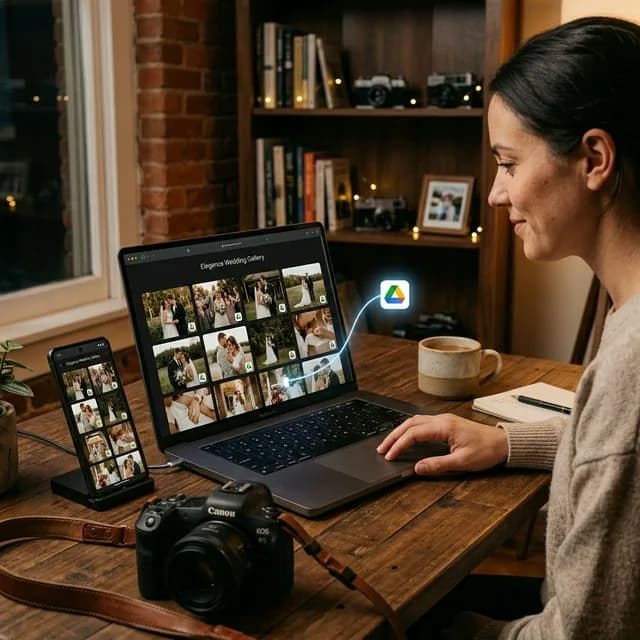
For many photographers in Indonesia, a 2TB Google Drive subscription is a must. It is affordable, stable, and fits naturally into day-to-day operations. But the moment you start sharing client work directly from a raw Drive folder, one major weakness appears.
Clients often have to scroll through hundreds of photos on a phone, write down filenames like DSC09123.jpg, and then send those filenames back over WhatsApp. From the client side that is frustrating. From the photographer side it turns proofing into admin work.
This is exactly why more photographers have started looking for a way to let clients choose photos from Google Drive without forcing a messy manual workflow.
The Problem with Raw Drive Folders
Google Drive is good at storage, but it is not designed to be a polished proofing experience.
Typical issues include:
- slow browsing when a gallery contains hundreds of large images,
- filenames that are not human-friendly,
- clients having to switch between viewing and typing,
- the studio brand disappearing behind a generic interface.
The result is what many photographers informally call proofing hell.
The Better Idea: Zero-Upload Client Galleries
The strongest approach is not abandoning Google Drive. It is keeping Drive as the storage layer, then adding a better presentation and proofing layer on top.
That is the idea behind zero-upload client galleries.
Instead of re-uploading everything to another platform, you:
- keep the files in your Drive folder,
- connect that folder to a gallery system,
- let clients open a cleaner gallery experience,
- let them select photos directly inside that gallery.
How the Workflow Feels for Clients
When done well, the client process becomes much simpler:
- they open one private gallery link,
- they browse the photos on mobile comfortably,
- they tap the images they want,
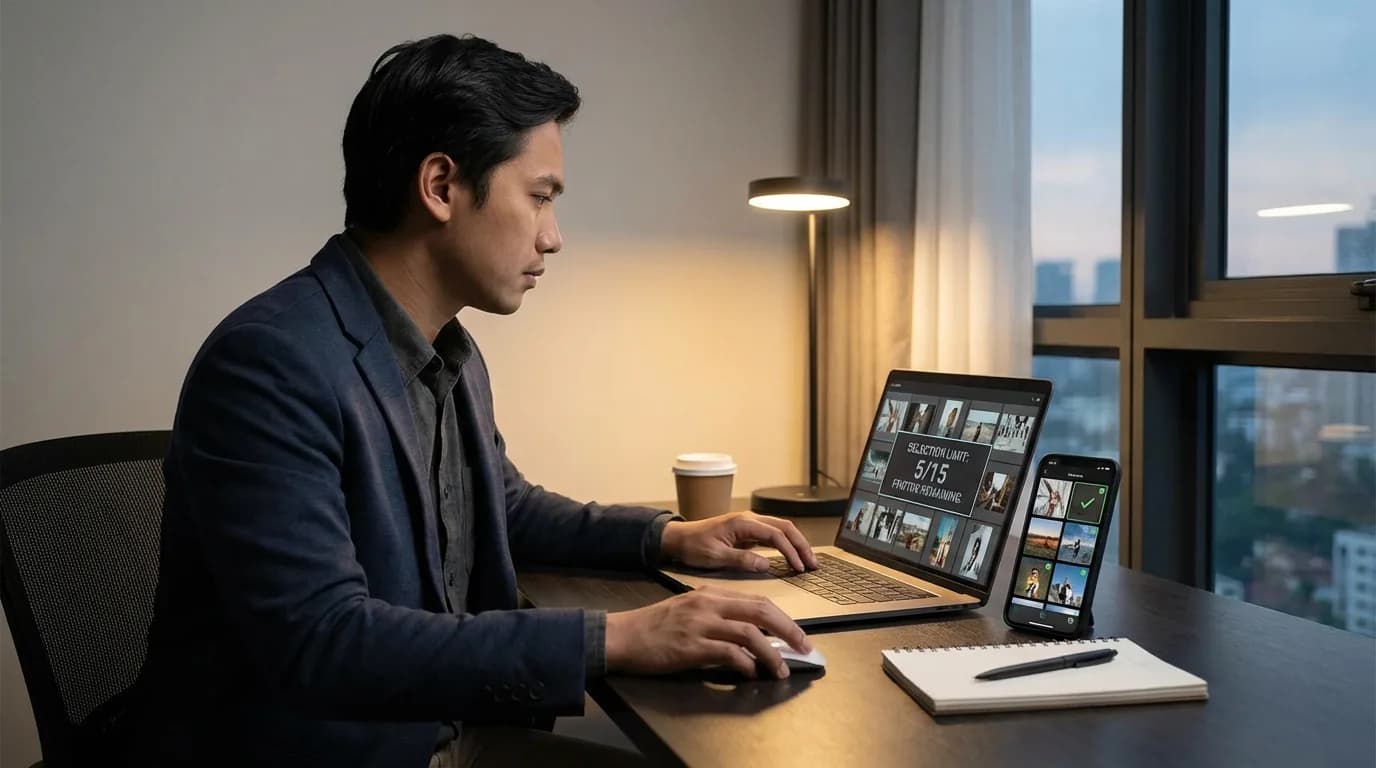
- they submit the final selection without typing filenames manually.
That is a completely different experience from receiving a raw folder and a vague instruction to "send the filenames later."
How the Workflow Helps Photographers
From the photographer side, this approach reduces friction everywhere:
- no manual matching of filenames from chat,
- fewer typos,
- cleaner proofing records,
- easier control over package limits,
- a more premium delivery experience.
In other words, you keep the efficiency of Google Drive while removing the weakest part of the client experience.
What Makes This Feel More Premium?
The gallery layer matters because it changes how the work is perceived.
A premium gallery usually gives you:
- a cleaner visual layout,
- easier navigation on mobile,
- private project links,
- better branding for the studio,
- a more intuitive selection flow.
Clients may not know exactly how your internal storage works, but they absolutely feel the difference between a raw folder and a client gallery.
Who Benefits Most from This Setup?
This setup is especially useful for:
- wedding photographers,
- prewedding photographers,
- family photographers,
- graduation photographers,
- event teams with high file volume.
The more photos the client must review, the bigger the benefit.
FAQ About Choosing Photos from Google Drive
Do I need to move all my photos out of Google Drive?
No. The whole point is to keep Google Drive as your storage layer while improving the client-facing part of the workflow.
Is this only useful for very large studios?
No. Solo photographers often benefit the most because it saves admin time and makes the service feel more expensive.
Is this the same as sending a Drive link with better instructions?
Not really. Better instructions help, but they still leave the client inside a storage interface. A client gallery changes the actual experience of reviewing and selecting photos.
Conclusion
If your files already live in Google Drive, you do not need to replace the storage system. You only need a better layer for how clients review and choose the photos.
That is the easiest way to turn Google Drive into something that feels much more premium without creating a second upload workflow.
If you want to try that approach, start with PilahFoto here.