Private photo galleries for clients become increasingly important once you start handling files that are personal, sensitive, or exclusive. Prewedding, wedding, maternity, newborn, and personal branding projects are often not ideal to share through a public link that can be forwarded with no control.
Many photographers still rely on a single cloud-storage share link. It is practical, but from the standpoint of client experience and access control, that is often not enough.
Why Public Links Are Often Not the Best Option
Technically, public links make access easy. They also introduce several risks:
- the link can be forwarded without your knowledge,
- there is no clear access identity,
- the service experience feels generic,
- it becomes harder to separate private galleries from files meant for public use.
For some projects, that may be acceptable. But for premium work or personal sessions, a private gallery gives you a safer and far more professional standard.
What Is a Private Photo Gallery?
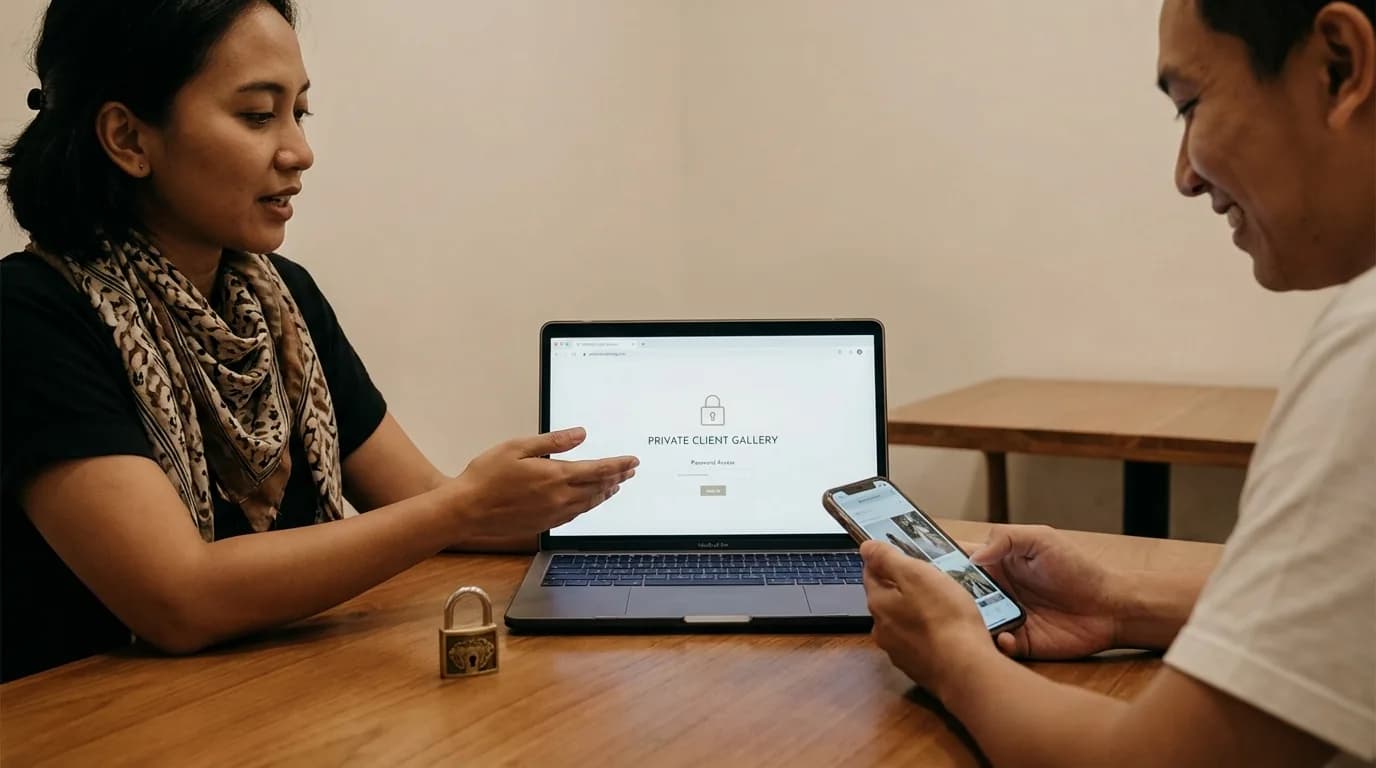
A private photo gallery is an online gallery that can only be opened by specific people, usually through a unique link, a password, a login, or a combination of those controls. The goal is not only file safety. It is also to give the client a sense of exclusivity.
Unlike a normal public folder, a proper private gallery is designed so that:
- only the intended client can access it,
- the presentation feels cleaner than a raw file list,
- viewing, selecting, and sometimes downloading photos feels more structured.
When Should Photographers Use a Private Gallery?
You should strongly consider one for:
- weddings and preweddings,
- family and maternity sessions,
- newborn or child photography,
- personal branding for executives or public figures,
- commercial projects that are not supposed to go public yet.
The more private the project, the less sense it makes to rely on an open link.
Features a Private Client Gallery Should Have
Do not stop at the word private. Check whether the system truly supports clean access control.
1. A unique link for each project
Each client should receive a project-specific link, not a large mixed folder.
2. Password or login protection
This is the simplest protection layer for most clients to understand. For many studios, that alone already makes the experience feel more secure.
3. A gallery layout that is pleasant to use
Private access alone is not enough if the user experience still feels poor. A good gallery should load well on mobile and be easy to navigate.
4. Selection controls
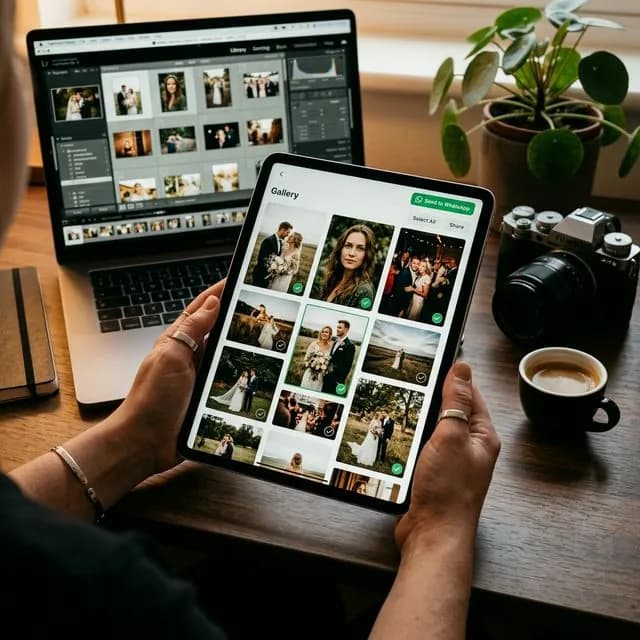
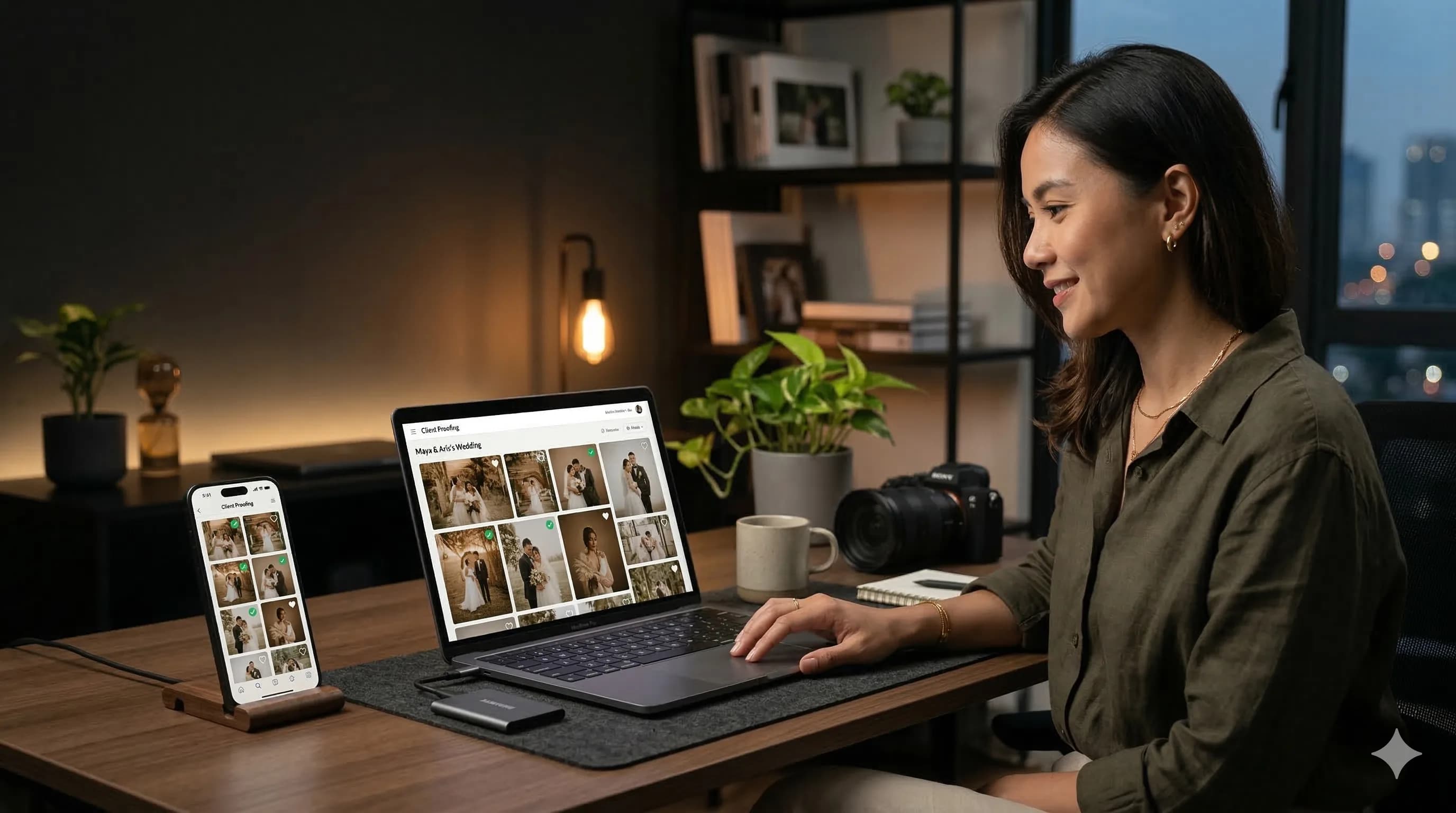
If the gallery is also used for proofing, clients should be able to choose images without typing filenames manually.
5. Studio branding
A strong private gallery is not only safe. It still keeps your studio identity visible, which helps the whole service feel more premium.
Benefits for Photographers
From the photographer side, private galleries help you:
- reduce the chance of sharing the wrong link,
- keep public and private work clearly separated,
- organize communication more cleanly,
- improve the final delivery experience.
For any studio that wants to look more serious, details like this matter a lot.
Benefits for Clients
From the client side, a private gallery makes them feel that:
- their photos are handled more safely,
- the service they paid for is truly exclusive,
- viewing and selecting photos is easier,
- communication with the photographer is more organized.
This matters because many clients cannot judge your editing process technically, but they can absolutely judge the quality of the experience you give them.
How to Use Private Galleries Without Making Workflow Complicated
Many photographers worry that private galleries automatically mean a complex new system. In practice, the most efficient setup is usually the one that does not force you to move all your files.
A healthy workflow often looks like this:
- Keep the files in your normal working storage.
- Create a private gallery for one specific project.
- Add password or login protection if needed.
- Share the private link only with the relevant client.
- If needed, use the same gallery for proofing and final delivery.
If you want the workflow side in more detail, How to Create a Client Gallery Without Reuploading is a good next read.
FAQ About Private Client Galleries
Does a private gallery always need a password?
Not always, but a password or login is very helpful when the work is personal or sensitive.
Is a private Google Drive link enough?
It may be enough for storage, but for client experience and proofing it is usually still weaker than a gallery built specifically for delivery.
Are private galleries only useful for large studios?
No. Small studios often benefit the most because organized access makes the whole service feel much more professional.
Conclusion
Private photo galleries for clients are not only about security. They are also about trust and the quality of the service experience. When clients feel that access is safe and the presentation is clean, the perceived value of your work increases.
If you want a safer, more exclusive, and still easy-to-use way to share photos with clients, try PilahFoto here.