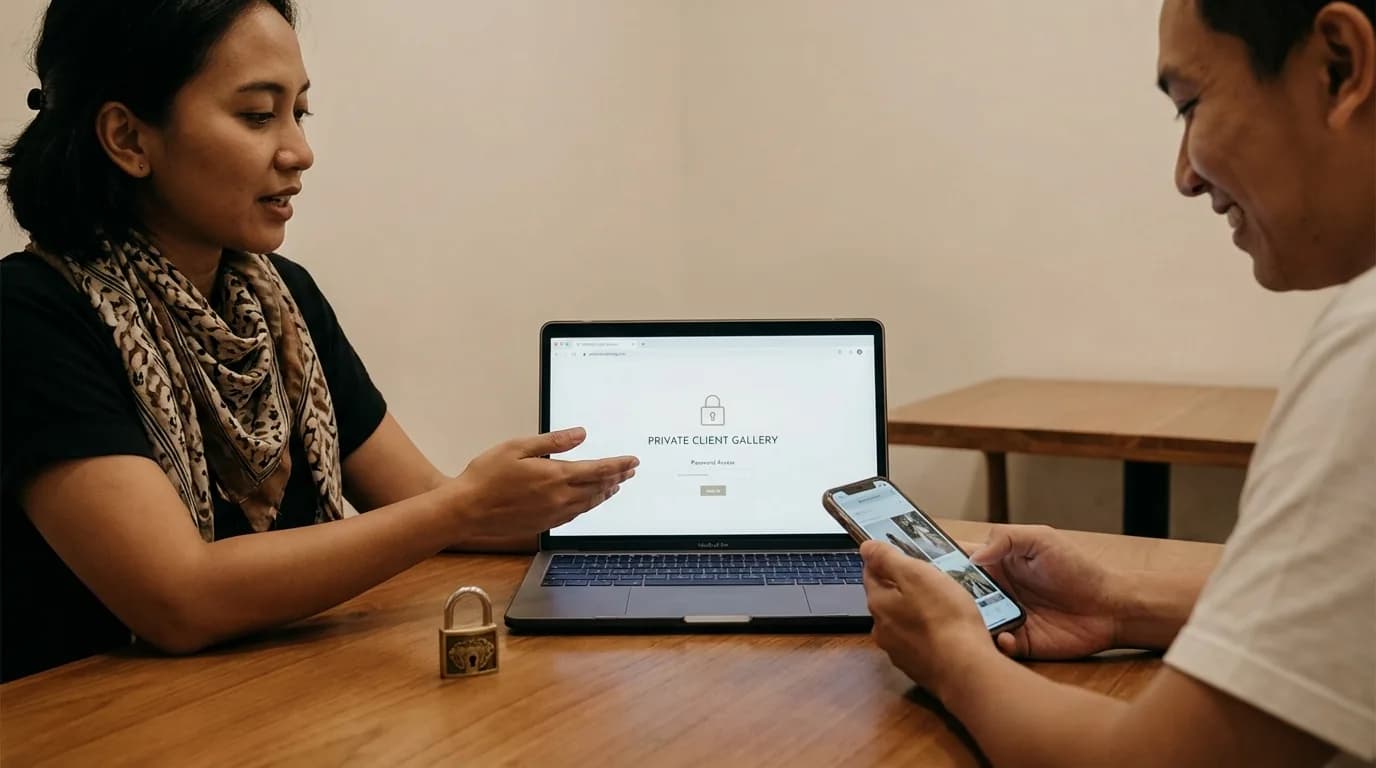
Sending large photo files to clients can become one of the most time-consuming parts of a photographer's workflow. Wedding shoots, events, and commercial jobs easily generate huge numbers of high-resolution files. The challenge is not just how to send them, but how to send them quickly while still looking professional.
Here are the main methods photographers still use and what each one does well or poorly.
1. Flash Drives or External Hard Drives
This is the old-school method that some photographers still keep for premium packages.
Advantages
- it feels tangible and exclusive,
- clients receive a physical backup,
- it can still fit a luxury package presentation.
Drawbacks
- you need extra cost for the hardware, packaging, and shipping,
- physical media can be lost or damaged,
- flash drives can carry viruses,
- delivery takes days instead of minutes.
For some premium packaging concepts, this can still work. But as a default workflow, it is rarely efficient.
2. Raw Google Drive or Dropbox Links
This is probably the most common modern method because it is cheap and fast. You upload the files once and send a link.
Advantages
- low cost,
- easy access from anywhere,
- strong storage infrastructure.
Drawbacks
- the link feels generic and not very premium,
- large galleries can feel clumsy on mobile,
- clients cannot choose photos cleanly inside the folder,
- manual filename selection becomes exhausting.
Storage links are useful, but by themselves they are still weak as a client-facing delivery experience.
3. A Client Gallery with Proofing
This is the strongest option for many modern photographers.
Instead of giving clients a raw folder, you give them a private gallery that feels clean, visual, and easier to use. On top of that, a good gallery also allows proofing, so clients can choose the images they want edited without sending filenames manually.
Why this is usually the best balance
- the gallery looks more premium,
- clients can review photos more comfortably,
- proofing becomes faster,
- your brand stays visible,
- delivery and selection happen in one cleaner system.
Why PilahFoto Fits This Workflow
PilahFoto was built around the idea that many photographers already store everything in Google Drive and do not want to upload the same project again to another platform.
That means:
- you keep your existing storage workflow,
- you avoid unnecessary re-uploading,
- clients receive a private gallery experience,
- photo selection becomes much simpler.
So Which Method Should You Use?
If your goal is only raw file transfer, cloud storage works.
If your goal is a more premium and efficient client workflow, a proper client gallery is usually the better answer.
A strong delivery system should help with:
- client viewing,
- client selection,
- brand presentation,
- cleaner communication,
- safer project access.
FAQ About Sending Large Photo Files
Is cloud storage still useful?
Absolutely. It is still one of the best ways to store and host large files. The main issue is when it is used as the full client experience with no gallery layer on top.
Do I still need a physical drive for premium packages?
Sometimes. If your brand includes luxury packaging, a flash drive can still be part of the final handoff. But it does not replace a strong digital workflow.
Is a client gallery only for selection, not final delivery?
No. A good client gallery can support both proofing and final presentation.
Conclusion
The best way to send large photo files depends on what you value most. If you only care about transfer, raw storage links may be enough. But if you want clients to feel that your service is organized, modern, and premium, a proper client gallery is usually the stronger long-term choice.
If you want to combine Google Drive storage with a cleaner proofing and delivery flow, try PilahFoto here.